Enrollment open · Limited spots
Winter Break Camp
Two separate 3-day intensives · 9 AM–3 PM · Ages 6–15
- Intensive week 1 — $300December 21–23, 2026
- Intensive week 2 — $300December 28–30, 2026
Three days each · Monday–Wednesday. Reserve early; placement confirmed before payment.
Programs
Discover how your child learns best
No lectures and no one-size-fits-all worksheets. Students explore, build and test through real projects, moving between six specialised labs at their own pace. From after-school programs and homeschool programs to robotics camp, STEM camp and kids summer camp in Davenport, Champions Gate and Four Corners, FL.
Choose a program
School-year & seasonal programs
After-School Tech Club
August–May · Monday–Friday, 3:00 – 6:00 PM · 2-hour sessions
Read the parent guide →Two-hour sessions between 3:00 and 6:00 PM, Monday through Friday. Choose 1–5 sessions per week, from $50 to $240 per month, plus a $50 enrollment fee. Students continue their project tracks across all six labs.
A ready-made STEM and technology block for homeschool families, with personalized learning paths, small groups and documented project progress. Step Up for Students accepted.
Winter Break Camp
Two separate intensives · Dec 21–23 or Dec 28–30, 2026 · 9 AM–3 PM · $300 each
Winter Break enrollment is open! Choose intensive week 1 (December 21–23) or intensive week 2 (December 28–30), or both. Hands-on STEM for ages 6–15, $300 per three-day intensive. Limited spots — request your week now. Placement confirmed before payment.
Tech Summer Camp
9 weeks, June–July · Mon–Fri, 9:00 AM – 3:00 PM
A full-day STEM camp for ages 6–15. Students rotate through all six labs every day, in small groups matched by age and skill. Families choose their own drop-off and pick-up times within camp hours.
The labs
What students actually do
Coding Lab
From first blocks to real syntax — Scratch, Python, Roblox Studio, HTML/CSS and JavaScript.
Read the guide →Robotics Lab
Build, wire, program and test robots while learning automation and teamwork.
Read the guide →Engineering Lab
Design, test and improve real structures, circuits and mechanisms through challenges.
Read the guide →Science Lab
Guided experiments across chemistry, physics, biology, energy and electricity.
Read the guide →3D Design & Printing Lab
Model in Tinkercad and Blender, then print the parts students designed themselves.
Read the guide →Game Design Lab
Move from playing to building with Roblox Studio, Minecraft Education and Unity.
Read the guide →Self-paced by design
Grouped dynamically, not by birthday
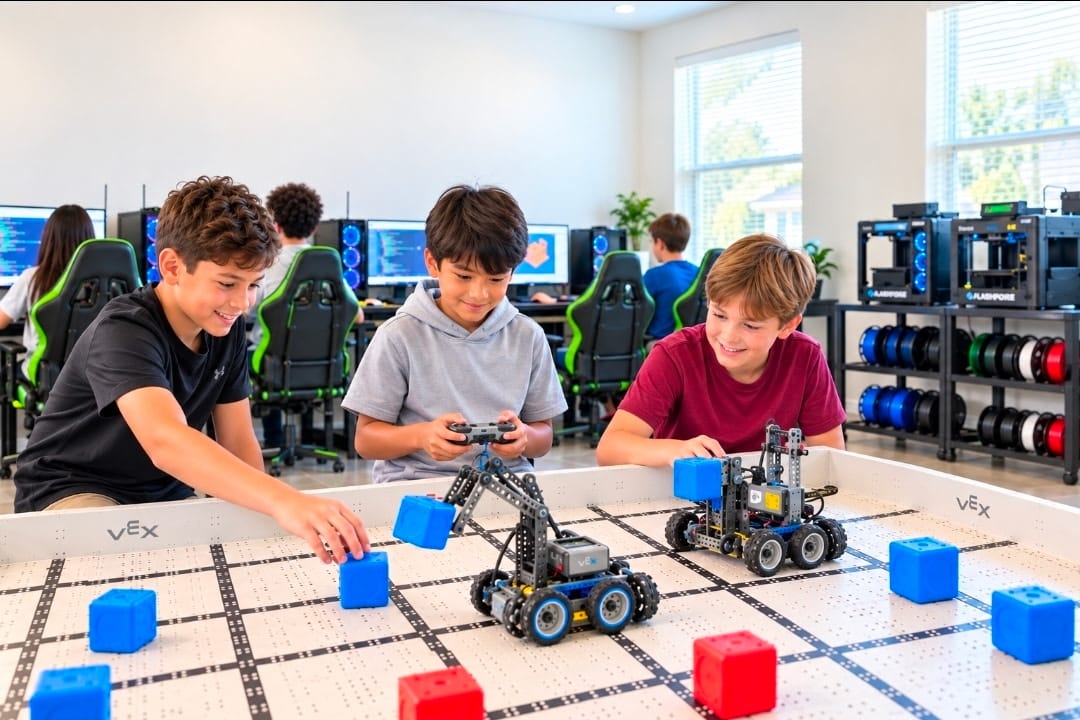
Students are placed by age, skill level, experience, learning pace and personal goals. Groups shift naturally through the day as the lab rotation and project complexity change — which builds teamwork, adaptability, leadership and peer learning along the way.
- Small groups of 3–4 students, never a lecture hall
- Real skills and finished projects, not app time
- Led by a certified STEM teacher and lab mentors
- Structured, supervised, camera-monitored facility
- Progress and project updates shared with parents
- Approved Step Up for Students provider
Age tracks
The same labs, the right depth
Ages 6–8
Foundations & confidence
Guided, playful projects across all six labs, adapted to attention span and fine-motor skill. Kids leave able to explain what they built.
Ages 9–12
Independent building
Students rotate through every lab with increasingly independent projects in coding, robotics, engineering, science, game design and 3D printing.
Ages 13–15
Advanced & leadership
Deeper technical concepts, coding systems, engineering design, AI exploration, innovation challenges and mentoring younger members.