Tinkercad to Blender: How Kids Design and 3D-Print Their Own Parts
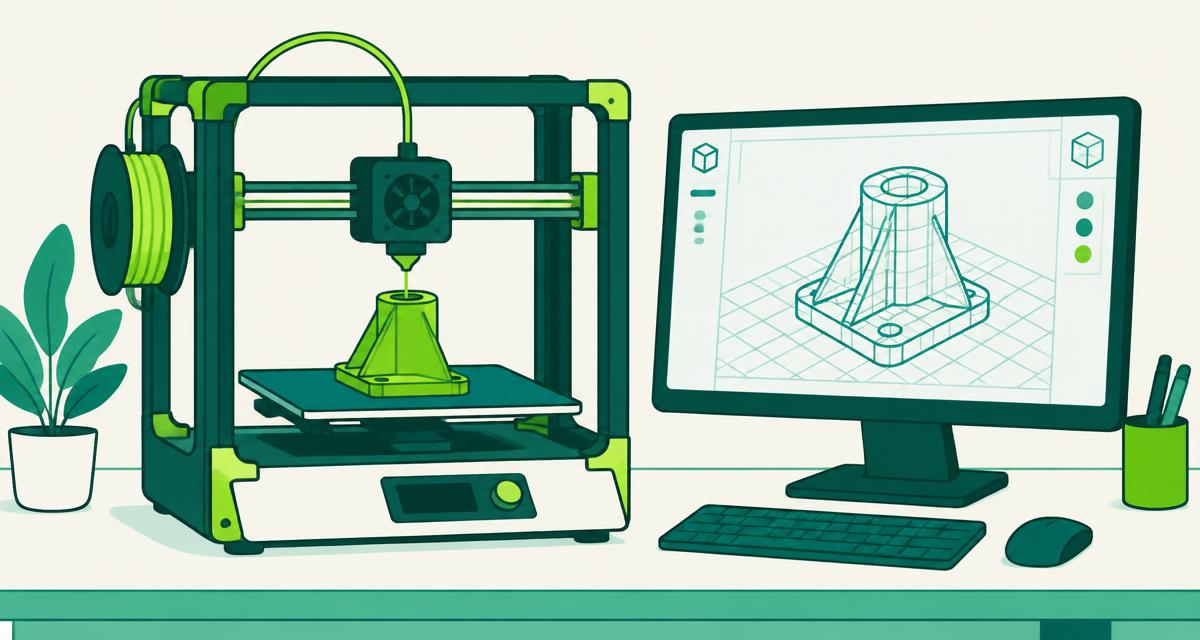
Holding a physical object you designed yourself is a powerful moment for a child. 3D design and printing connects imagination, math and problem-solving, and it's one of the most popular labs at RunTheCode.
Starting with Tinkercad
Tinkercad, a free browser-based tool from Autodesk, builds models by combining and subtracting basic shapes. It's approachable for younger students and still teaches real concepts: dimensions, alignment, and the difference between solid shapes and holes.
Moving up to Blender
Blender is a free, open-source 3D creation suite used by artists and studios. It has a steeper learning curve, so it suits older or more experienced students. They learn to shape models more freely and control fine detail.
From screen to printer
A design is exported and prepared for printing by slicing software, which turns the model into layers. Students learn practical limits: overhangs may need supports, thin walls can break, and orientation on the print bed affects strength.
- Measuring and working in millimeters
- Designing for strength and function
- Patience: prints take time
- Iterating when the first print isn't right
Designing things that are useful
The best projects solve a small real problem — a phone stand, a name tag, a replacement part for a robot build. Designing with a purpose teaches kids to think like product designers.
Ready to start building?
After-school, homeschool and summer programs for ages 6–15 in Davenport, FL.