FlashForge Adventurer 5M vs. Bambu Lab P1S: An Educator's Guide to a Kid's First 3D Printer
By Ghizlen Lomri, Founder & Lead STEAM Educator, RunTheCode
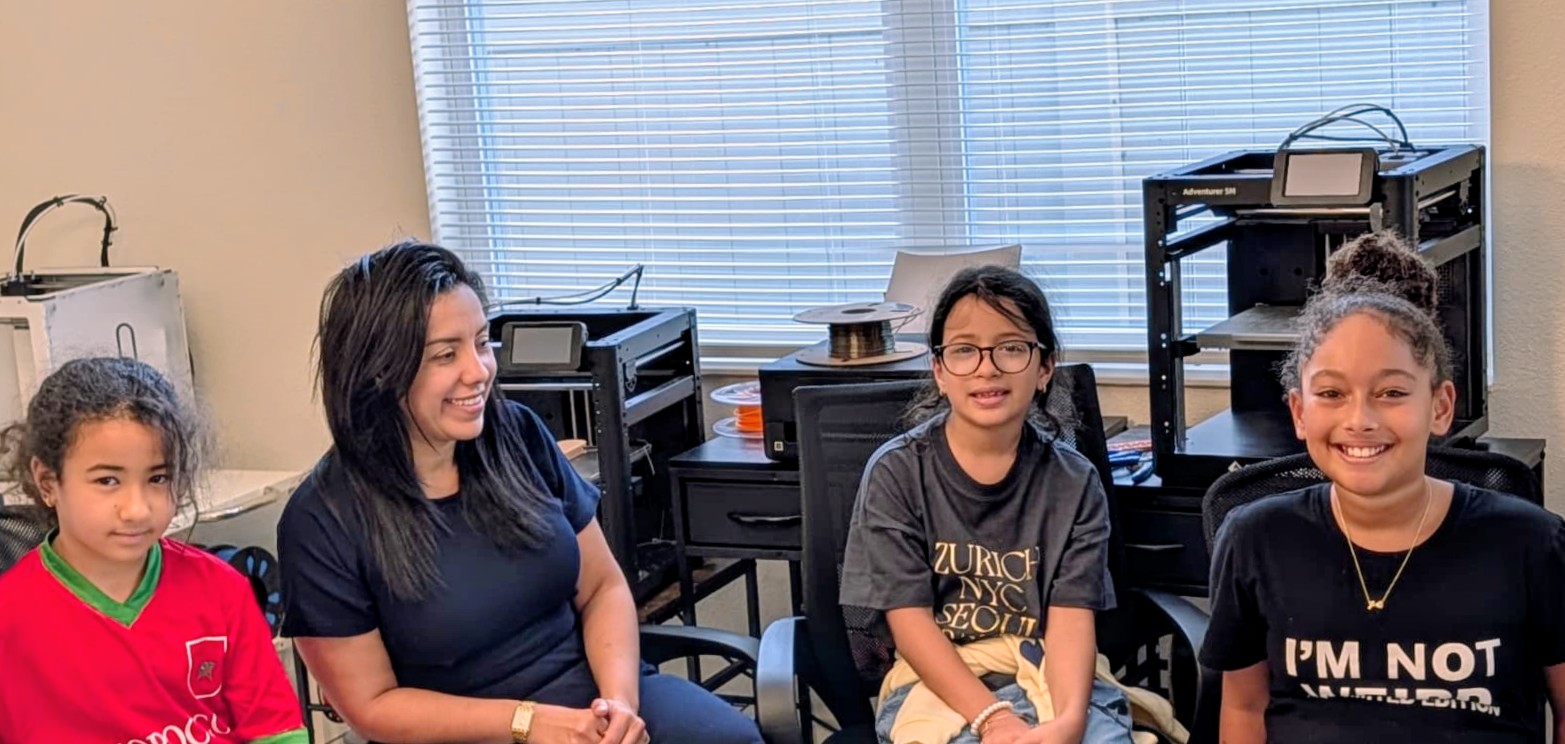
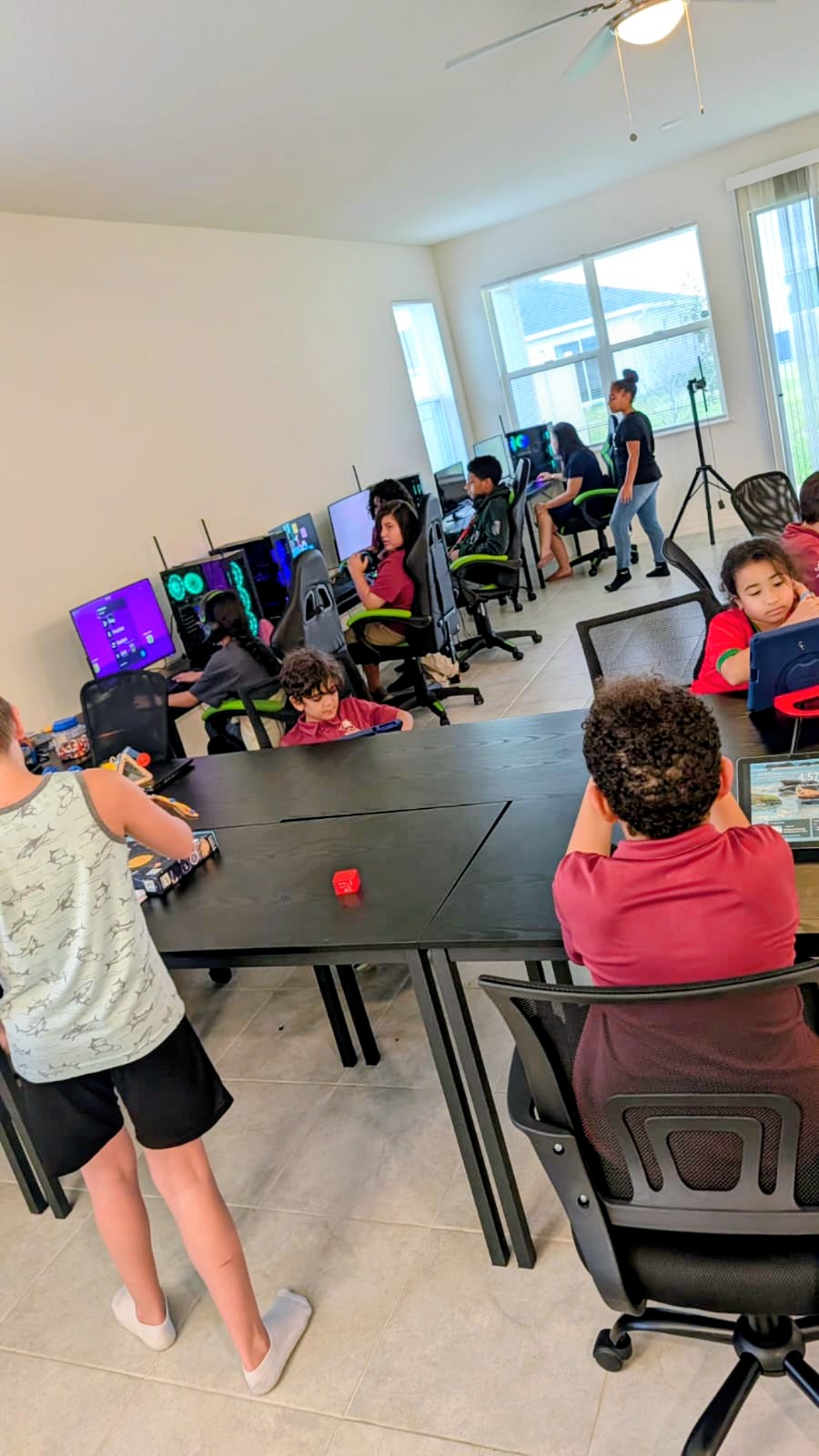
Every holiday season, parents in Davenport, Champions Gate and Four Corners ask us the same question: "Which 3D printer should I buy for my kid?" In our 3D Design & Printing Lab, students print on FlashForge Adventurer printers every week, and we regularly compare them with other popular machines such as the Bambu Lab P1S. This guide shares what we see in a real classroom — the advantages and limitations of each — so you can choose the right first printer for your family.
Who is this guide for?
Parents of children roughly 8–15 who already enjoy designing in Tinkercad or a similar tool, and families weighing a 3D printer as a gift. Younger children (6–7) can design and print with adult help, but they do best in a supervised lab before owning a machine at home.
What kids actually learn from owning a 3D printer
A printer is not just a gadget. Kids learn to turn an idea into a 3D model, prepare it in slicing software, and troubleshoot when a print fails. Those failed prints are the real lesson: warped corners, stringing and poor bed adhesion teach patience, observation and engineering thinking.
- Spatial reasoning: thinking in X, Y and Z
- Measurement: designing parts that fit real objects
- Slicing: layer height, infill and supports
- Troubleshooting: diagnosing why a print failed
- Iteration: redesign, reprint, improve
FlashForge Adventurer 5M: the classroom workhorse
The Adventurer 5M is fast, approachable and easy to maintain. Automatic bed leveling removes the most common beginner frustration, and filament loading is simple enough for students to do themselves once they've been shown. Because our students already use FlashForge machines in the lab, a 5M at home feels familiar from day one.
Limitations: the standard 5M has an open frame, so it needs adult supervision around the hot nozzle and moving parts, and it prints one color at a time out of the box. It is generally the more budget-friendly of the two.
Bambu Lab P1S: the polished, enclosed option
The P1S is fully enclosed, which keeps small hands away from hot and moving parts and helps with temperature-sensitive materials. Paired with Bambu's optional AMS unit, it can print in multiple colors automatically, and its app-driven ecosystem is friendly for parents who aren't technical.
Limitations: it costs more, especially with the AMS, multicolor printing produces extra waste filament, and the polished ecosystem hides some of the mechanics kids learn from by tinkering.
Side-by-side comparison
A quick view of the trade-offs we discuss with families:
- Price: Adventurer 5M — lower; P1S — higher (more with AMS)
- Enclosure & safety: Adventurer 5M — open frame, supervise; P1S — fully enclosed
- Multicolor: Adventurer 5M — single color standard; P1S — multicolor with optional AMS
- Learning curve: both beginner-friendly; the 5M matches what students use in our lab
- Repairability: Adventurer 5M — simple, visible mechanics; P1S — well supported, more integrated
- Best for: Adventurer 5M — budget-minded learners who like tinkering; P1S — families wanting enclosure and color
Where to set up a printer at home
Choose a stable table in a ventilated room away from bedrooms, out of direct sun and away from pets. In Central Florida's humidity, store filament sealed with desiccant — damp filament is a common cause of poor prints.
When is a child ready for their own printer?
When they can design a simple part on their own, explain why a print failed, and follow safety rules without reminders. If they're not there yet, a few months in a supervised lab builds those habits first.
Why hands-on printing beats another toy
A printer rewards curiosity with real objects: replacement parts, gifts, pet-habitat accessories, robot components. In our lab, students have printed hides and perches for our STEAM pets — design work with a real purpose.
How to decide: our advice
If budget matters and your child already prints in our lab, the Adventurer 5M is a natural, familiar choice. If enclosure safety and multicolor matter most and budget allows, the P1S is excellent. Either way, the skills matter more than the machine. Families are welcome to visit our Champions Gate lab on Hooton Way to see printers in action before buying.
Frequently asked questions
- What is the best 3D printer for a kid's first printer?
- For most families, either the FlashForge Adventurer 5M (lower cost, familiar to our students) or the Bambu Lab P1S (enclosed, multicolor with AMS). Choose based on budget, safety needs and whether your child likes tinkering.
- Is a 3D printer safe for children?
- With adult supervision, yes. Hot nozzles and moving parts require care; enclosed printers like the P1S reduce contact risk. Use a ventilated room and PLA filament for beginners.
- What age can a child start 3D printing?
- Children as young as 6 can design and print with adult help. Independent home printing usually suits ages 10 and up.
- Where can kids learn 3D printing in Davenport, FL?
- RunTheCode's 3D Design & Printing Lab in Champions Gate, Davenport, near Four Corners, teaches ages 6–15 through after-school, homeschool and camp programs.
About the author
Ghizlen Lomri is the founder and lead STEAM educator at RunTheCode in Champions Gate, Davenport, FL, where she teaches coding, robotics, engineering, science, game design and 3D printing to students ages 6–15.
Ready to start building?
After-school, homeschool and summer programs for ages 6–15 in Davenport, FL.